Eno from Capital One
Capital One · Capital One Services, LLC
FreeFinance4+
ReleasedMay 4, 2022
Last updateSep 30, 2026
Version6.1.1
Ratings0
Ratings, 7 dayscollecting
Size1 MB
Languages1
Ratings over time
Tracking started recently; the line appears after a few days of data.
Description
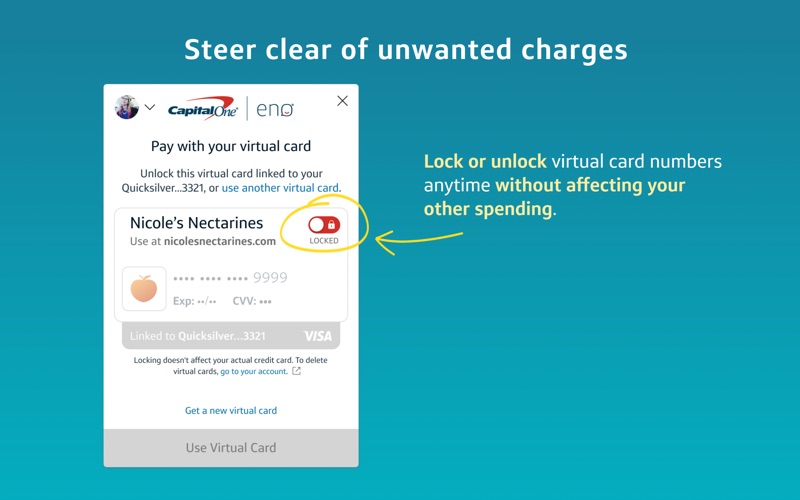
Shop more securely through your desktop browser with Eno®, your Capital One® assistant.
INSTRUCTIONS FOR ENABLING ENO FROM CAPITAL ONE IN SAFARI
1. Install the “Eno from Capital One” application from the Mac App Store.
2. Open the “Eno from Capital One” application.
3. Within the application, click the blue “Enable Eno from Capital One” button to be taken directly to the “Extensions” section of Safari preferences.
4. Click the checkbox next to the Eno icon in the preferences window to enable th