Description
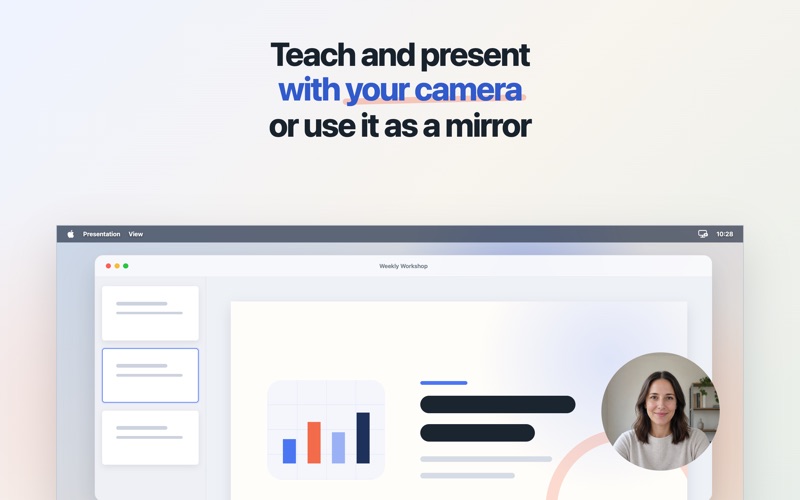
Keep your Mac camera visible in a floating window. Use it as a mirror or alongside livestreams, screen recordings, video calls, presentations, and online lessons.
Switch cameras, mirror the image, resize and position the window, and choose a rectangle, rounded rectangle, or circle. Set the aspect ratio, keep the window always on top, and lock its position or size. Open additional camera windows to keep multiple camera feeds visible at once.
No account and no complicated setup. Open it and get